


Localize如何运作
四步即可将代码转换为多语言
我们助您打造全球化体验,同时确保开发速度和效率不受影响。
步骤 1

Connect
只需简单安装 Localize 的单个JavaScript标签,即可轻松在您的网站上激活Localize 。
步骤 2
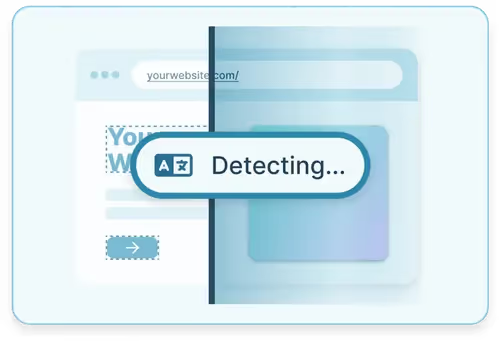
Detect
Localize会自动检测您的所有内容,并将其导入我们的控制面板进行审核和 AI 翻译。
步骤 3
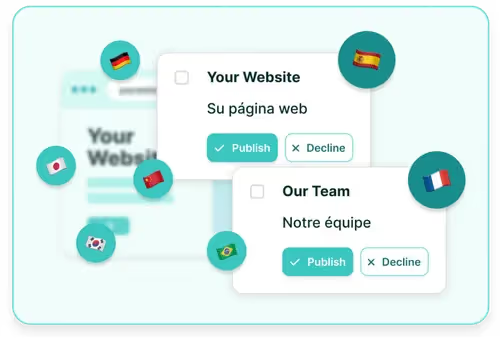
翻译
使用 Localize 直观的控制面板和人工智能驱动的翻译引擎,轻松管理和翻译您的内容。
第四步

实时本地化
使用 Localize 的自动内容分发功能,即可在您的网站上查看翻译内容。